Create a Prepaid Membership Package
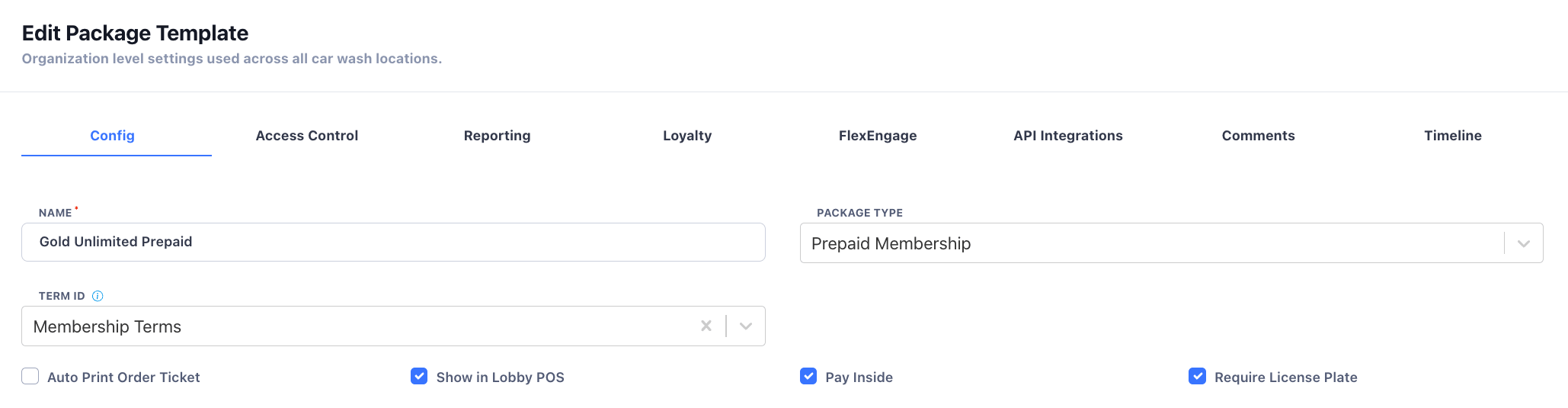
- Create a wash package as you would for a recurring membership. See Membership Packages.
- On the package template, set Package Type to Prepaid Membership.
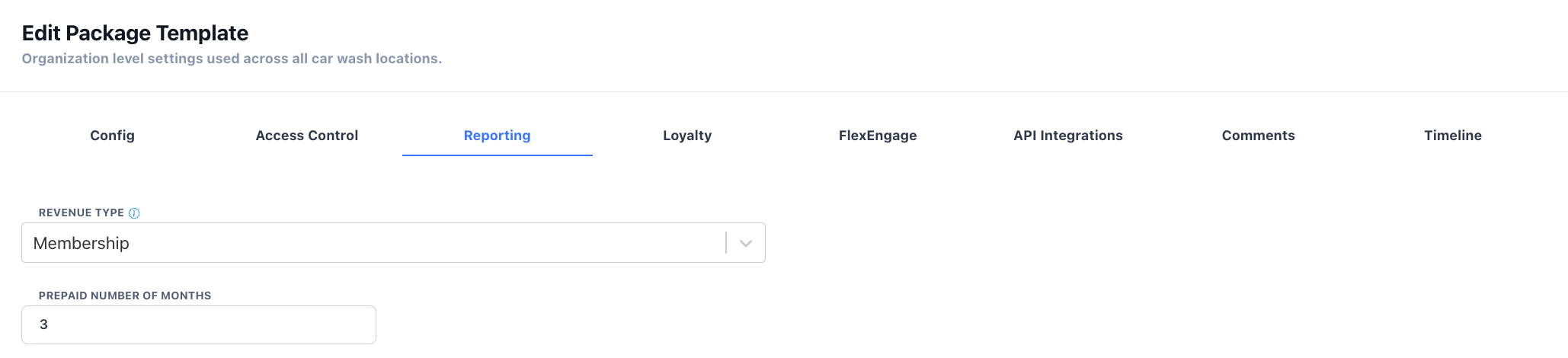
- On the Reporting tab, enter Prepaid Number of Months, for
example
3. - Click Save.
Where You Can Sell It
A vehicle with an active or payment failed recurring membership cannot buy
a prepaid membership. The sale fails with Active Membership Exists.
Cancel the recurring membership first.
How It Works
- Valid Until. FlexWash sets it to the sale date plus the package’s months, at the end of that day in the car wash’s time zone. A 6-month package sold on March 10 is valid until the end of September 10.
- No recurring billing. Membership billing skips prepaid memberships.
- Status. The membership shows as Prepaid Active until it ends.
- Expiry. Every night, FlexWash moves memberships past their Valid Until date to Prepaid Expired. The vehicle is then treated as a non-member.
Renew a Prepaid Membership
Reports
- Dashboard. Membership Sales and the conversion rate include prepaid sales. The Prepaid Active count on that card is the number of prepaid packages sold in the date range, not the number of members active today. See Dashboard.
- Membership Roster. Prepaid members are not listed. See Membership Roster.